TLDR
The best restaurant tabletop marketing print communicates one priority message and asks for one action. Choose a table tent, insert, card, or reusable holder based on how often the promotion changes. Keep the design visually simple, give QR codes a clear purpose and fallback option, and assign someone to remove worn or expired pieces. Test the campaign in one area before placing it on every table.
A restaurant table already has plenty to do. It may hold menus, drinks, condiments, shared plates, payment devices, and guests’ phones. Tabletop print earns its place only when it makes the dining experience or the restaurant’s offer clearer.
That is the central rule for restaurant tabletop marketing print: one piece, one message, one next step. A small card promoting dessert can work. A table tent trying to promote dessert, catering, trivia night, loyalty rewards, gift cards, and five social accounts becomes background noise.
Start with the guest action, not the print product
Before choosing a size or paper, complete this sentence: “After seeing this, the guest should…” The answer might be order the seasonal drink, ask about dessert, join the loyalty program, reserve a ticket, or request catering information.
If the sentence contains several actions, divide the campaign. Put the most relevant message at the moment when a guest can act on it. A drink promotion belongs at the bar or early in the meal. A dessert card makes more sense near the end. A catering message may work better at the host stand, counter, or payment point than beside a dinner plate.
Match the tabletop format to the campaign
| Goal | Useful format | Best placement | Keep it focused on |
|---|---|---|---|
| Daily special | Replaceable insert or small counter card | Host stand, counter, or selected tables | Dish name, price, availability |
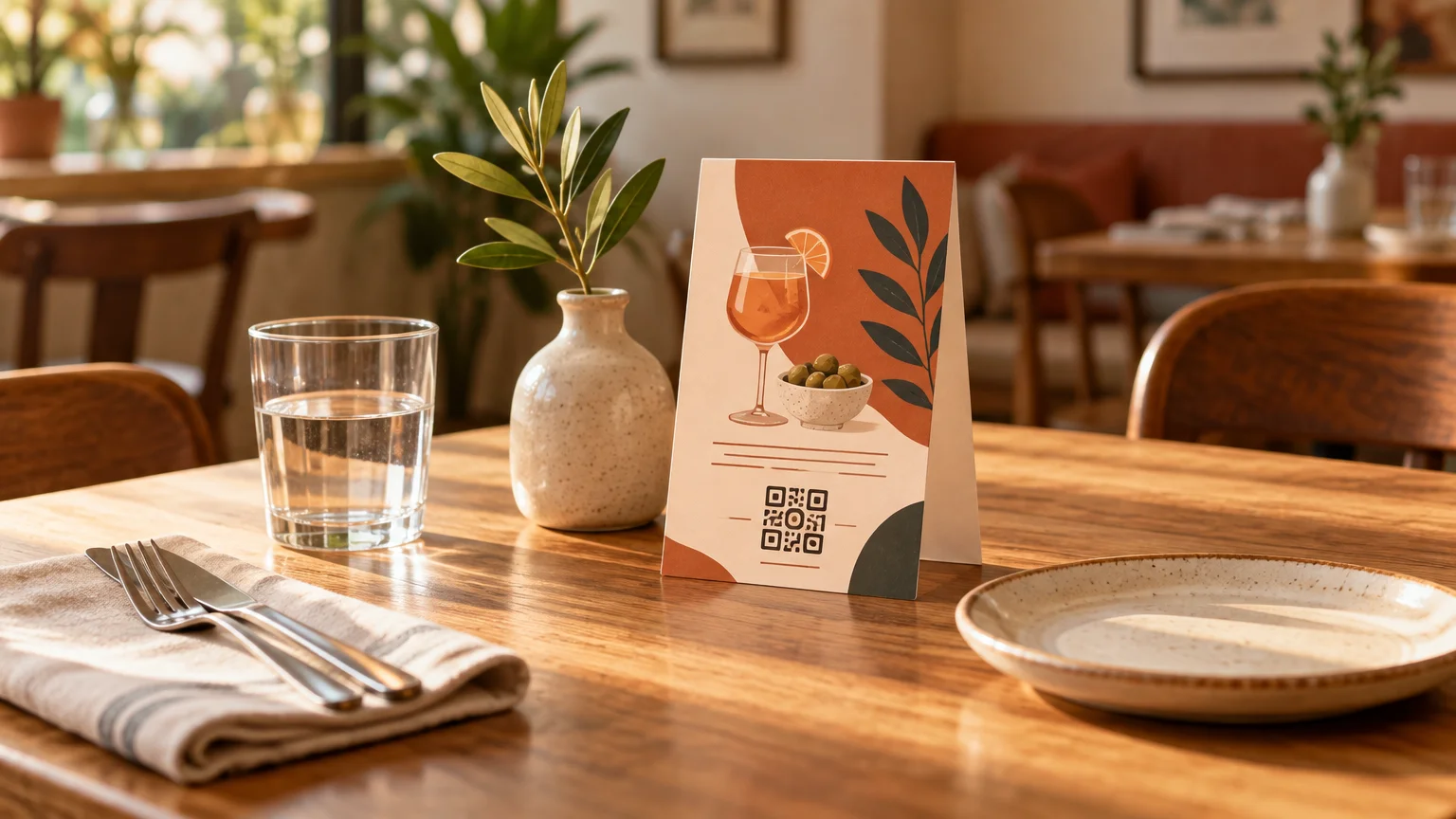
| Seasonal drink | Table tent or reusable holder | Bar and dining tables | One drink, one visual, one order prompt |
| Dessert or add-on | Small two-sided card | Tables near the appropriate service stage | A tempting choice and a simple prompt |
| Loyalty enrollment | Durable QR card or check presenter insert | Payment point or counter | Benefit, scan action, fallback URL |
| Event or trivia night | Short-run table tent | Bar tables and relevant dining areas | Date, time, booking action |
| Catering inquiries | Counter card or takeaway card | Host stand, pickup counter, payment area | Type of events served and inquiry path |
| Menu detail | Menu insert | Inside or beside the menu | Information directly related to ordering |
| Feedback request | Receipt or check presenter insert | Payment moment | One feedback path and why it matters |
Use a replaceable insert when prices, dishes, or dates change frequently. A reusable holder lets staff swap the message without discarding the whole display. A folded table tent suits a seasonal campaign that needs to stand by itself. A flatter card is less visually dominant and can work well in a check presenter or alongside a condiment station.
Supplier terminology and dimensions differ, so treat product listings as options rather than standards. VistaPrint, for example, lists a 5 × 7-inch finished table tent with 14 pt standard or 16 pt premium stock and matte or glossy finishes. PrintRunner lists 4.25 × 6-inch vertical and 7 × 5-inch horizontal formats on 14 pt cardstock, with supplier-specific two- and four-business-day production choices.
Those differences matter when comparing quotes through a printing resource or speaking directly with a printer. Confirm whether a quoted dimension describes the flat sheet or the finished standing piece, and ask for the exact artwork template before designing.
Design restaurant tabletop marketing print for quick decisions
Guests should understand the piece without leaning over it and studying a paragraph. A useful design usually has a short headline, one dominant visual cue, one benefit or relevant price cue, and one call to action.
- Headline: Name the offer plainly, such as “Try the peach iced tea” or “Trivia starts Thursday at 7.”
- Visual: Use one strong food photograph, illustration, color block, or typographic focal point rather than a collage.
- Supporting detail: Include only what a guest needs to decide, such as a price, date, flavor, reward, or eligibility condition.
- Action: Say “Ask your server,” “Scan to join,” “Reserve a table,” or another specific next step.
- Fine print: Add necessary conditions without shrinking them into unreadable decoration. Check local requirements for alcohol, giveaways, loyalty terms, prices, and data collection.
Design both sides intentionally. Two visible panels do not require two unrelated campaigns. Repeating the same offer often creates a calmer object and makes it readable from either side of the table. If the panels carry different messages, make sure both are timely and appropriate for the same placement.
A restrained color palette also helps the piece coexist with menus, dinnerware, and the restaurant interior. Use the restaurant’s recognizable type, colors, and voice, but prioritize contrast and legibility over perfect decorative consistency.
Make every QR code explain itself
A bare QR code is not a call to action. Tell guests what they will receive after scanning: “View today’s desserts,” “Join and get your first reward,” or “Request a catering menu.” This makes the value clear before a guest reaches for a phone.
Give non-scanners another route, such as a short URL, a server prompt, or a printed summary of the essential offer. The QR destination should also be mobile-friendly and lead directly to the promised content rather than a generic homepage.
For measurement, use a campaign-specific destination with consistent tracking parameters. Google Analytics documents parameters including utm_source, utm_medium, and utm_campaign, and warns that inconsistent naming can fragment reporting. Google’s campaign URL guidance A practical naming pattern might use the restaurant location as the source, tabletop_print as the medium, and the promotion name as the campaign.
Test the final printed-size code using several phones and under the lighting found in the restaurant. Leave clear space around it, avoid placing it across a fold, and do not make it compete with nearby patterns. A successful scan is still only an intermediate action: compare scans with redemptions, orders, sign-ups, or inquiries when those outcomes can be measured responsibly.
Choose stock and finish for the actual table
Paper choice should reflect the environment and replacement schedule. A short seasonal promotion does not necessarily need the heaviest available stock. A stable loyalty or catering card may justify a sturdier option, especially if it will be handled repeatedly.
Matte finishes tend to support a quieter visual style and reduce distracting reflections, while gloss can make photographic color feel more vivid. However, restaurant lighting, fingerprints, spills, and cleaning routines can change the result. Ask the printer how the chosen product should be cleaned; ordinary cardstock should not be treated as waterproof unless the supplier explicitly says it is.
For patios, busy bars, or quick-service counters, a replaceable insert inside a suitable holder may be easier to maintain than exposed paper. For a formal dining room, a lower-profile card or menu insert may preserve the table setting better than a large upright tent.
Prepare the artwork around the printer’s template
Get the production template before finalizing the design. It should show the flat dimensions, folds, trim, bleed, safe area, and panel orientation. Folded pieces can be surprisingly easy to set up upside down when the artwork is viewed as a flat sheet.
- Confirm the finished size and flat artwork size.
- Place backgrounds and images into the required bleed area.
- Keep text, prices, QR codes, and logos safely inside trim and fold lines.
- Check the orientation of every panel with a folded paper mock-up.
- Review image quality at the size it will actually print.
- Confirm the requested color mode, PDF preset, fonts, and transparency handling.
- Approve a digital or physical proof, checking dates, prices, URLs, spelling, and folds.
Adobe Express supports downloading a PDF Print file with a CMYK color profile and offers bleed and crop-mark options. Adobe’s print-ready PDF guidance Those controls are useful, but the selected printer’s specifications take priority over general software defaults. For a broader preflight process, use this guide to prepare print-ready files without the usual headaches.
Deploy the campaign like an operating system, not a decoration
Even excellent tabletop print fails when yesterday’s special remains on display. Give each campaign an owner, a start date, an end date, and a placement count. The owner might be a shift lead, bar manager, or marketing coordinator, but the responsibility should be explicit.
- Count the intended tables, counters, bar positions, and spare pieces before ordering.
- Brief servers on the offer so the printed message and spoken explanation agree.
- Place the piece where the guest can see it without moving tableware.
- Inspect displays for spills, bent corners, fading, or missing inserts during normal table resets.
- Remove expired offers immediately rather than waiting for the next marketing meeting.
- Record scans, redemptions, orders, or inquiries using the same measurement window.
- Ask staff whether guests understood the offer or repeatedly needed clarification.
If the campaign promotes loyalty, decide whether a printed or digital system fits the operation before sending guests to a sign-up page. The comparison between punch cards and digital loyalty programs can help clarify the tradeoff between simple in-person rewards and more detailed tracking.
Run a small, measurable tabletop test
Start with one offer in one service area for a defined period. For example, place a seasonal drink tent on the bar and a limited group of dining tables. Keep the offer, placement, and staff script consistent, then record the relevant orders or tracked actions.
Do not assume that every scan or sale was caused by the printed piece. Weather, staffing, menu changes, events, and other promotions can affect results. The useful question is whether the campaign produced enough relevant action, with manageable staff effort and table clutter, to justify another run.
The simplest tabletop piece usually wins
Good restaurant tabletop print does not try to summarize the entire business. It helps a guest make one timely decision. Choose a format that matches the campaign’s lifespan, design one obvious focal point, make the action accessible, and create a removal plan before the pieces reach the tables.
For the first test, pick one measurable goal and one location rather than printing for every seat. If guests understand the offer, staff can maintain it, and the result supports the business objective, expand it. If not, refine the message before adding more tabletop material.