TLDR
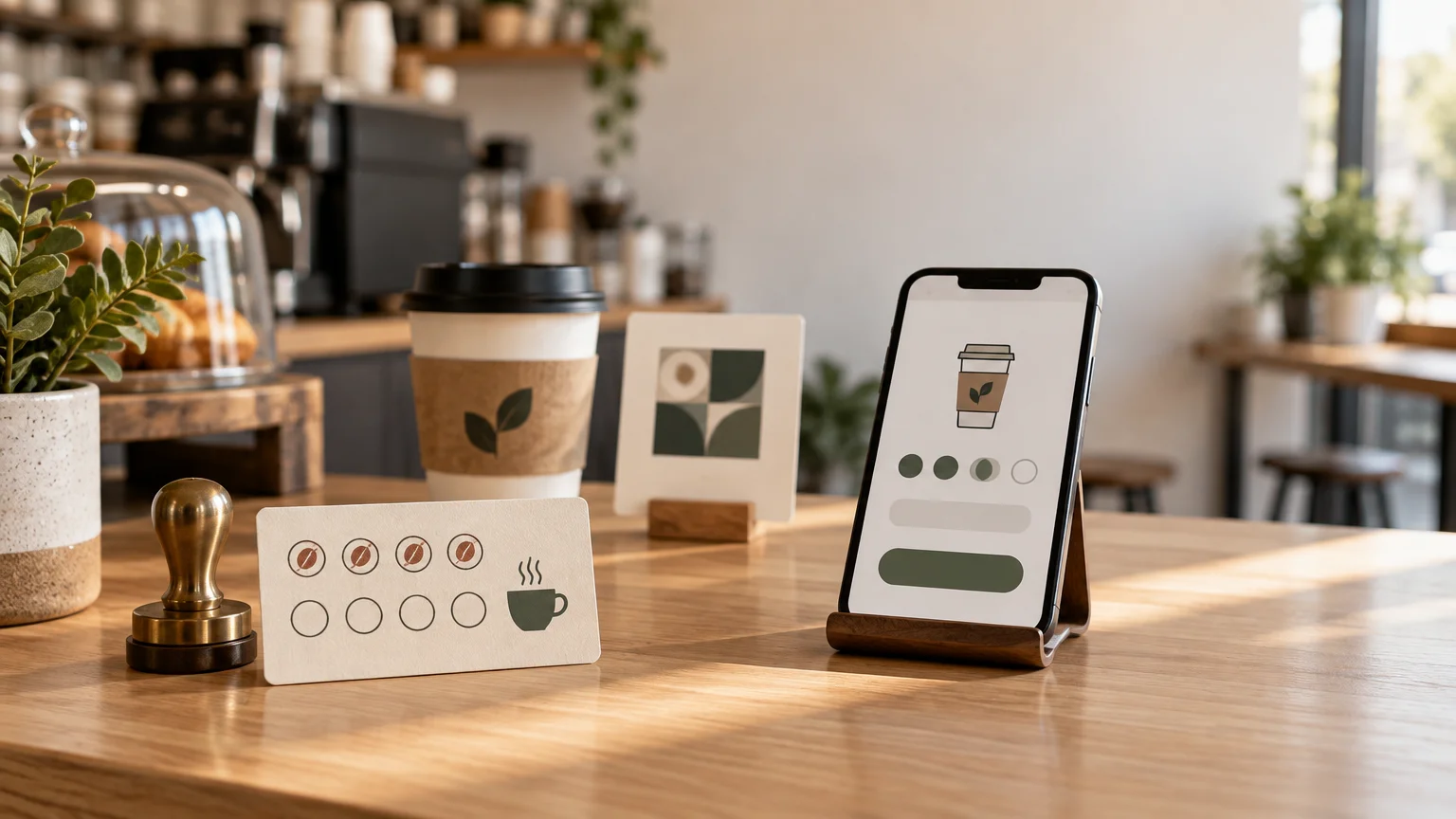
The practical answer to punch cards vs digital loyalty is simple: start with a physical punch card when the offer is based on straightforward repeat visits and your team needs an easy counter routine. Choose digital loyalty when account records, configurable earning rules, multiple locations, or targeted promotions solve a real operational need. A hybrid can work, but only if the printed and digital parts support one clearly explained program rather than creating two competing systems.
The best loyalty program is not the one with the most features. It is the one customers understand and employees remember to use during a busy transaction. For many cafés, food counters, salons, independent retailers, and event vendors, that makes a well-designed card a strong first move. Digital becomes more valuable when the business is genuinely prepared to manage enrollment, customer information, reward rules, and staff training.
Punch cards vs digital loyalty at a glance
| Decision point | Physical punch card | Digital loyalty program | Simple hybrid |
|---|---|---|---|
| Best fit | One-location businesses with a simple visit-based offer | Businesses needing account records, flexible rules, or coordinated locations | Businesses that want printed promotion with digital enrollment |
| Customer action | Carry a card and present it during a visit | Enroll and identify an account at checkout | Scan or follow a printed prompt, then enroll digitally |
| Staff action | Apply a consistent punch, stamp, or mark | Find or associate the account and process earning or redemption | Explain enrollment and operate the digital system |
| Customer data | Usually none unless collected separately | May require an identifier and account information | Depends on the digital platform |
| Rule flexibility | Best kept simple and visible | Can support more detailed earning and reward structures | Digital rules with a physical sign-up touchpoint |
| Common failure point | Lost cards, unclear marks, or inconsistent punching | Slow enrollment, unclear privacy expectations, or staff skipping the process | Customers cannot tell whether physical and digital rewards stack |
| Useful print companion | Wallet card, receipt insert, or small counter sign | Counter sign, bag insert, menu prompt, or window decal | A prominent sign, insert, or sticker with one call to action |
Neither column is automatically better. The right choice depends on transaction speed, customer habits, staff capacity, and what the business intends to do with the resulting information.
Choose a punch card when simplicity is the advantage
A punch card works especially well when customers buy in person and the reward can be explained in one sentence. “Buy nine lunches and your tenth is free” is visible, tangible, and easy to discuss without an account-creation detour. The customer leaves with a reminder carrying the business name, offer, and progress toward the reward.
Physical cards are also forgiving operationally. Employees need to recognize qualifying purchases, make the approved mark, and explain the reward. There is no digital enrollment flow to troubleshoot. That can matter at a crowded coffee counter, market booth, or reception desk where every additional checkout step is noticeable.
The tradeoff is limited visibility. Unless the business records activity elsewhere, it will not have account-level histories or an automatic way to contact cardholders. Cards can also be lost, forgotten, or presented with questionable marks. Set a clear replacement policy before that awkward conversation happens.
Keep the offer narrow. A card that asks employees to distinguish among several purchase categories, bonus days, membership levels, and exclusions is trying to behave like software. If the explanation no longer fits comfortably on the card, either simplify the program or consider a digital system.
A practical physical-card checklist
- State the earning action and reward in one sentence.
- Make the reward visually prominent instead of burying it in small terms.
- Use clearly separated and, where useful, numbered mark spaces.
- Include only essential restrictions, such as qualifying purchase rules or an expiration date.
- Choose one staff mark that is recognizable and difficult to reproduce casually.
- Explain what happens when a customer loses a card or brings several partly completed cards.
- Keep important text and mark spaces comfortably away from trim edges.
- Before ordering, review the artwork using a reliable print-ready file preparation workflow.
If the card must withstand frequent wallet handling, discuss stock and finish options with the selected printer before building the final file. A writable or stampable area may matter more than a luxurious finish. Do not approve production until the printer confirms that the chosen marking method suits the surface.
Choose digital when the records justify the setup
Digital loyalty earns its extra complexity when the business will use capabilities that a paper card cannot provide neatly. Square’s documentation, for example, describes accounts, points accrual, reward redemption, promotions, and loyalty-event records. Its system can support earning rules based on visits, spending, particular items, or categories. These are examples from one platform, not promises about every loyalty provider.
That flexibility may suit a two-location salon that wants clients to earn across both locations, or a restaurant that wants qualifying categories rather than a single visit count. It can also help when management needs account-level records to resolve reward questions consistently.
Digital is not automatically frictionless. Some workflows require customers to enroll and associate an identifier with an account; Square documents phone-number mapping as one way an account can be associated. The owner should test the entire experience from the customer’s side: enrollment, earning, checking progress, redemption, and getting help after changing a number or losing access.
Before selecting a provider, ask whether it fits the existing point-of-sale, appointment, online-ordering, or multi-location workflow. Then confirm who configures rewards, who trains new employees, and who handles account problems. A sophisticated program that staff routinely skip is less useful than a modest program operated consistently.
Treat customer information as an operating responsibility
A punch card can often operate without identifying its holder. A digital program may collect contact or account information, which creates additional responsibilities. The Federal Trade Commission’s business security guidance advises collecting only the information a business needs, retaining it only while there is a legitimate business need, and protecting the information it maintains.
Translate that principle into concrete questions before launch: What information is necessary to run the reward? Who can access it? How long is it retained? What does the provider handle, and what remains the business’s responsibility? Separate permission for promotional messages may also be relevant. Obtain appropriate legal guidance for the jurisdictions and communication channels involved rather than treating general security guidance as a complete compliance checklist.
A hybrid should connect print and digital, not duplicate them
A useful hybrid is usually a digital program with a printed invitation. A counter sign, takeaway insert, window decal, menu prompt, or sticker tells the customer why to join and provides the next step. The print piece remains visible in the physical environment while the digital system handles enrollment and rewards.
For example, a restaurant could place custom stickers for a QR-code sign-up prompt on a counter display or sealed takeout packaging. The sticker is only a touchpoint; the destination still needs to be mobile-friendly, current, and clearly connected to the promised program. CustomStickers states that its vinyl stickers use a waterproof laminate and are offered in matte or gloss finishes, but suitability still depends on the actual surface and use.
Avoid operating an unexplained paper card beside a digital program. Customers need to know whether existing punches transfer, whether rewards stack, and whether one system is replacing the other. Put that answer on the enrollment page and give employees the same short explanation.
Make the QR prompt easy to scan and understand
- Send the code to one mobile-friendly enrollment or information page, not a generic home page.
- Pair it with a direct call to action such as “Scan to join and earn on today’s purchase.”
- Keep comfortable clear space around the code and strong contrast between it and the background.
- Avoid stretching, distorting, heavily decorating, or placing the code across seams and curves.
- Test the final printed piece on several phones under the lighting and viewing conditions customers will encounter.
- Keep a readable short URL available as a fallback.
QR codes become denser as they contain more data, and error-correction choices also affect their density and space requirements. DENSO WAVE cautions that design modifications can reduce readability. Use the official QR-code error-correction guidance as technical background, but rely on tests of the actual finished artwork rather than a universal minimum-size claim.
Three practical examples
A neighborhood coffee shop
Hypothetical example: A single-location café wants to reward repeat morning visits, has a fast-moving line, and does not need customer profiles. I would begin with a physical card carrying one simple visit-based offer. A small counter sign can remind customers to present the card before payment. The owner can observe whether staff and customers use it consistently before adding technology.
A two-location salon
Hypothetical example: A salon wants clients to earn at either location and redeem services or products under different rules. Digital loyalty is more defensible here because shared account records and configurable earning categories address a specific operational problem. The salon should still test enrollment at reception, document redemption rules, and decide how much customer information is actually necessary.
A seasonal event vendor
Hypothetical example: A vendor appears at several events during a short season. A punch card may be easier if repeat purchases happen during the same event and internet access is unreliable. If the real goal is encouraging customers to return at future dates, a printed QR prompt could invite them into a digital program. The sign should name the reward or benefit rather than merely saying “Scan me.”
How to make the final decision
- Write the complete reward in one sentence. If it already sounds complicated, a punch card will not simplify it.
- Map the customer and employee steps from purchase through redemption.
- Identify which records or rules the business genuinely needs rather than selecting features speculatively.
- Decide what customer information is necessary and how it will be protected.
- Create policies for lost cards, duplicate accounts, expiration, transfer, and disputed rewards.
- Run a small pilot and watch for confusion at the counter before expanding the program.
- Prepare one clear printed reminder that supports the chosen workflow.
For most small businesses with a basic repeat-visit offer, a punch card is the clearest place to start. Move to digital when its records, flexible rules, or location coordination solve a problem you can name. If you use a hybrid, let print do what it does best: make the offer visible and memorable at exactly the point where a customer can act.
The simplest program usually wins
The useful question is not whether paper or software looks more modern. It is whether customers can understand the reward and whether the team can honor it reliably. Choose the simplest loyalty experience that survives a busy shift, explain it in one sentence, and support it with a clear physical touchpoint. Add digital tracking only when the added records and rules earn their place in the workflow.
References
- Loyalty API
- Create and Retrieve Loyalty Accounts
- Start with Security: A Guide for Business | Federal Trade Commission
- Custom Vinyl Stickers | Waterproof and Durable – CustomStickers.com
- Error correction feature | QRcode.com | DENSO WAVE
- Information capacity and versions of QR Code | QRcode.com | DENSO WAVE
- FAQ | QRcode.com | DENSO WAVE